How to Scan PDF Documents

How to use:

You will see a list of available templates to choose from.

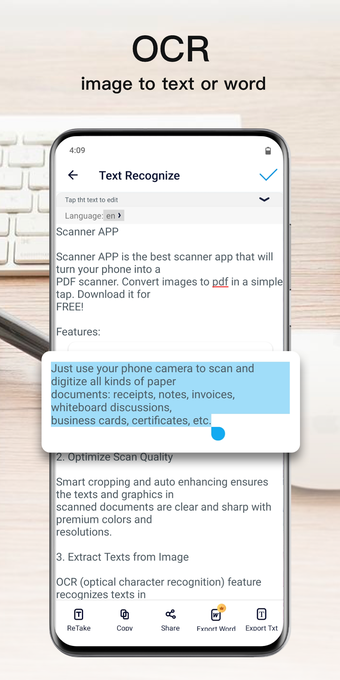
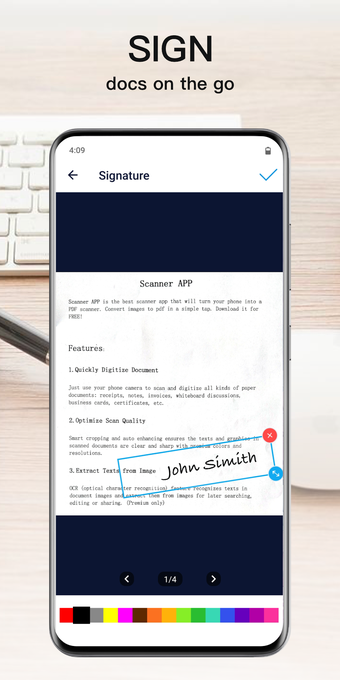
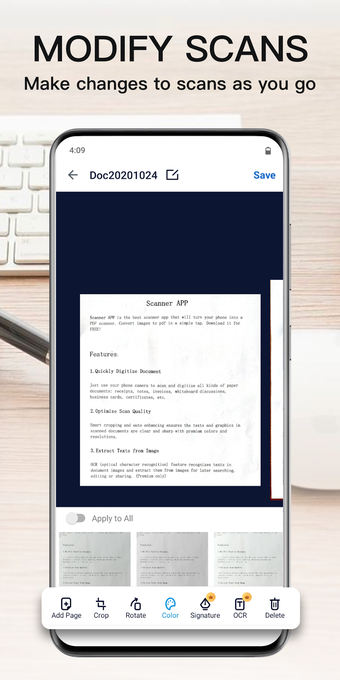
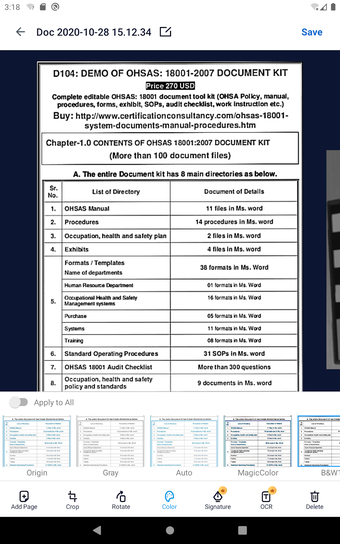
There are two modes in the app to choose from, one is for scanning and the other for digitizing.

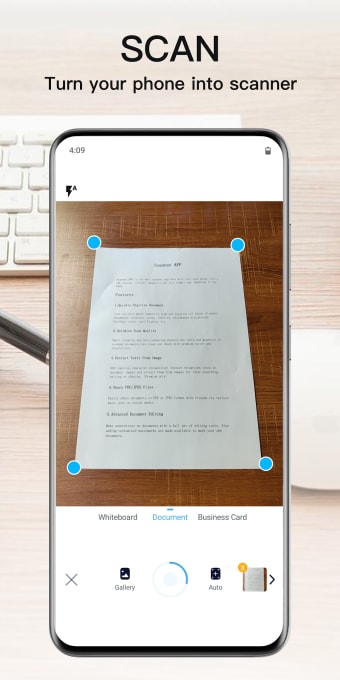
Choose the page that you want to scan and start scanning.

Start the document scanning process by using the camera of your device.

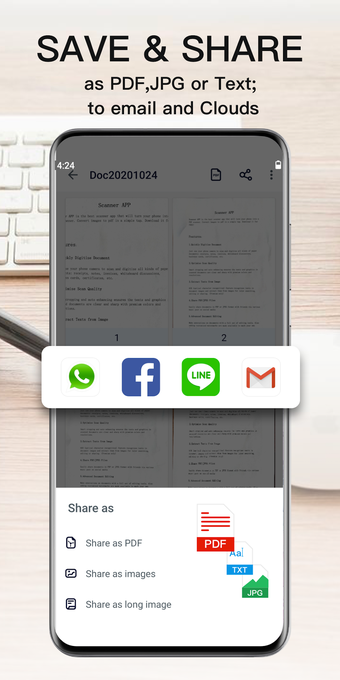
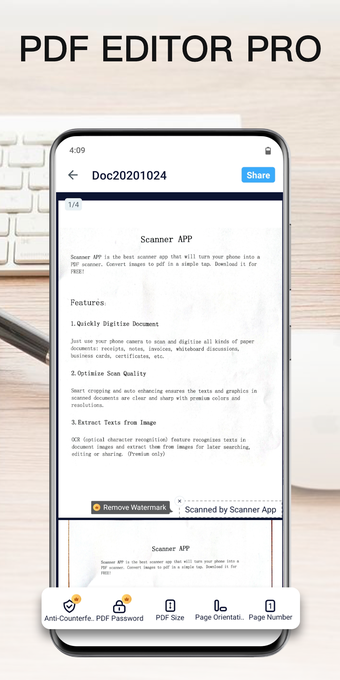
The scanned image will be saved to the folder and you can now export it to PDF.

This is the easiest way to scan PDF documents and make your life easier.

You can also save the scanned PDF to your gallery.

The document can be saved to your gallery and also can be saved to the folder.

How to use for digitizing:

 0/8

App specs

  • License

    Full

  • Version

    1.2.6
  • Latest update

  • Platform

    Android

  • OS

    Android 9.0

  • Language

    English

    Available languages

    • English
    • Portuguese
    • Spanish
  • Downloads

    385

    Last month's downloads

    • 3
  • Size

    24.24 MB

  • Developer

  • Download Options

    APK, Google Play

  • Filename

    com.marslab.scanner_1.2.6.xapk

Program available in other languages


User reviews about Scanner APP - Scan Doc to PDF

Have you tried Scanner APP - Scan Doc to PDF? Be the first to leave your opinion!

Add review

You may also like

Alternatives to Scanner APP - Scan Doc to PDF

Explore Apps

Latest articles

Laws concerning the use of this software vary from country to country. We do not encourage or condone the use of this program if it is in violation of these laws.
Softonic

Is Scanner APP - Scan Doc to PDF safe?

100/100

Score result: Clean
This file passed a comprehensive security scan using VirusTotal technology. It is safe to download.

  • Virus free
  • Spyware free
  • Malware free
  • Verified by Security Partners

    VirusTotal logo

Scan Info

Last scan
Wednesday, November 19, 2025
Scan provider
VirusTotal · Full report

File Integrity

File
com.marslab.scanner_1.2.6.xapk
SHA256
6fae61b0338af1ac2754d01fe7d8f68664a06e01c2deb31637f03146fac8ab6e
SHA1
284ff8b38a289b342f4bb1b0b18d32a9926802eb

Softonic security commitment

Scanner APP - Scan Doc to PDF has been thoroughly scanned by our advanced security systems and verified by industry-leading partners. This file comes from the official developer and has passed all our security checks, showing no signs of viruses, malware, or spyware.